
Voucher codes
How to redeem
Android
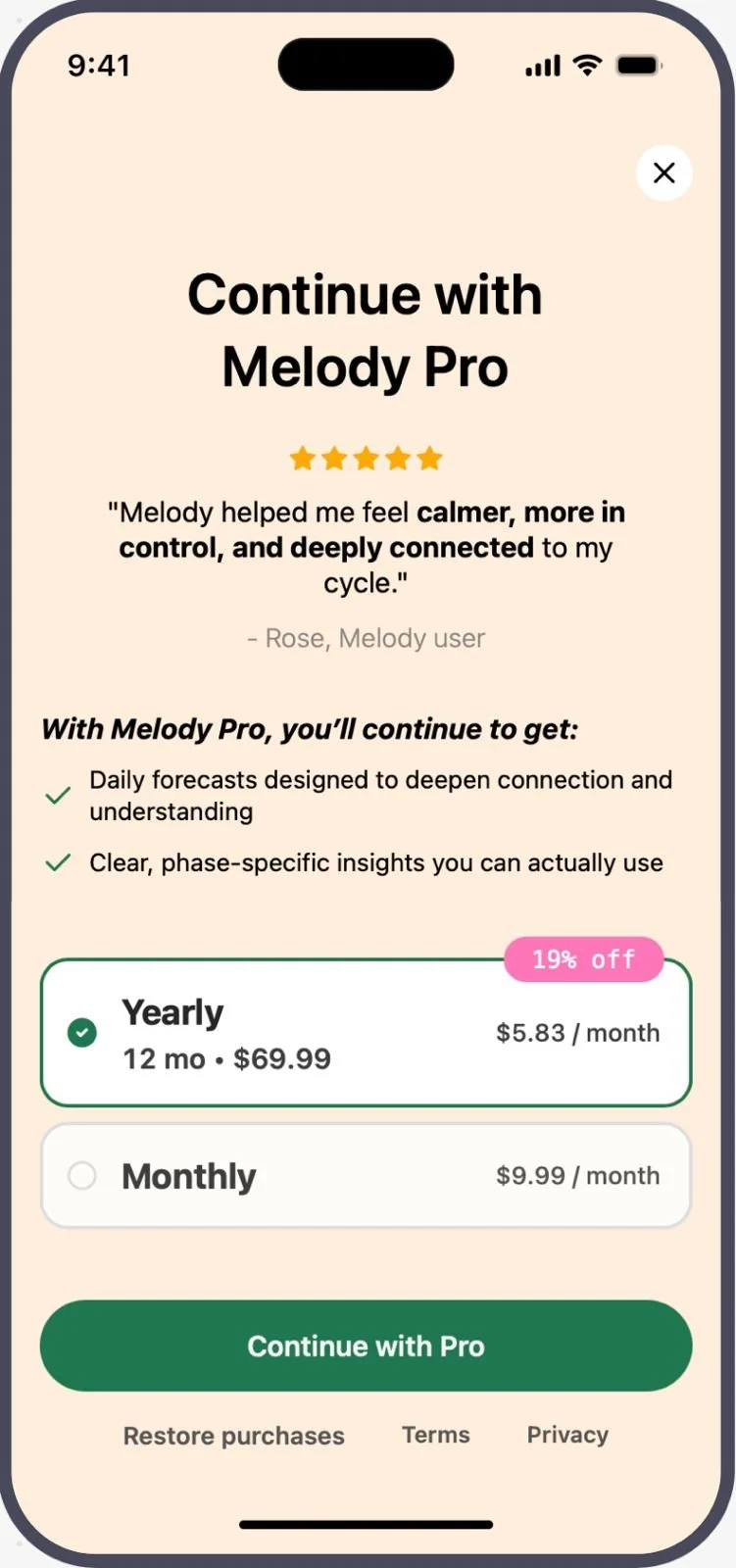
1. On the “Continue with Melody Pro” page, select “Yearly” subscription and then the “Continue with Pro” button.
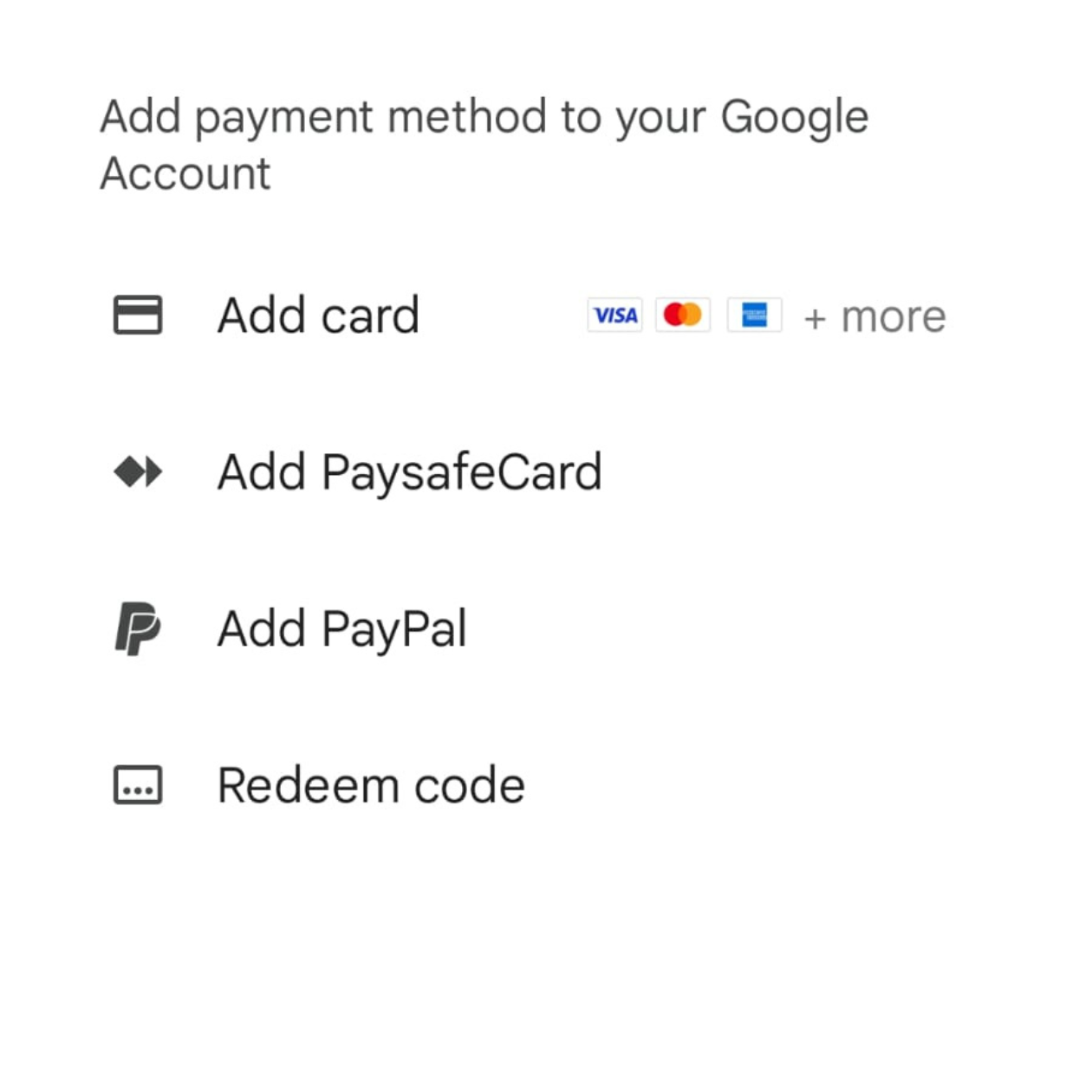
2. Tap the arrow next to your payment method

3. Select “Redeem Code” to enter your code.

4. Tap “Continue” button
Read more: https://developer.android.com/google/play/billing/promo#redeem
Still need help? Get in touch
iOS
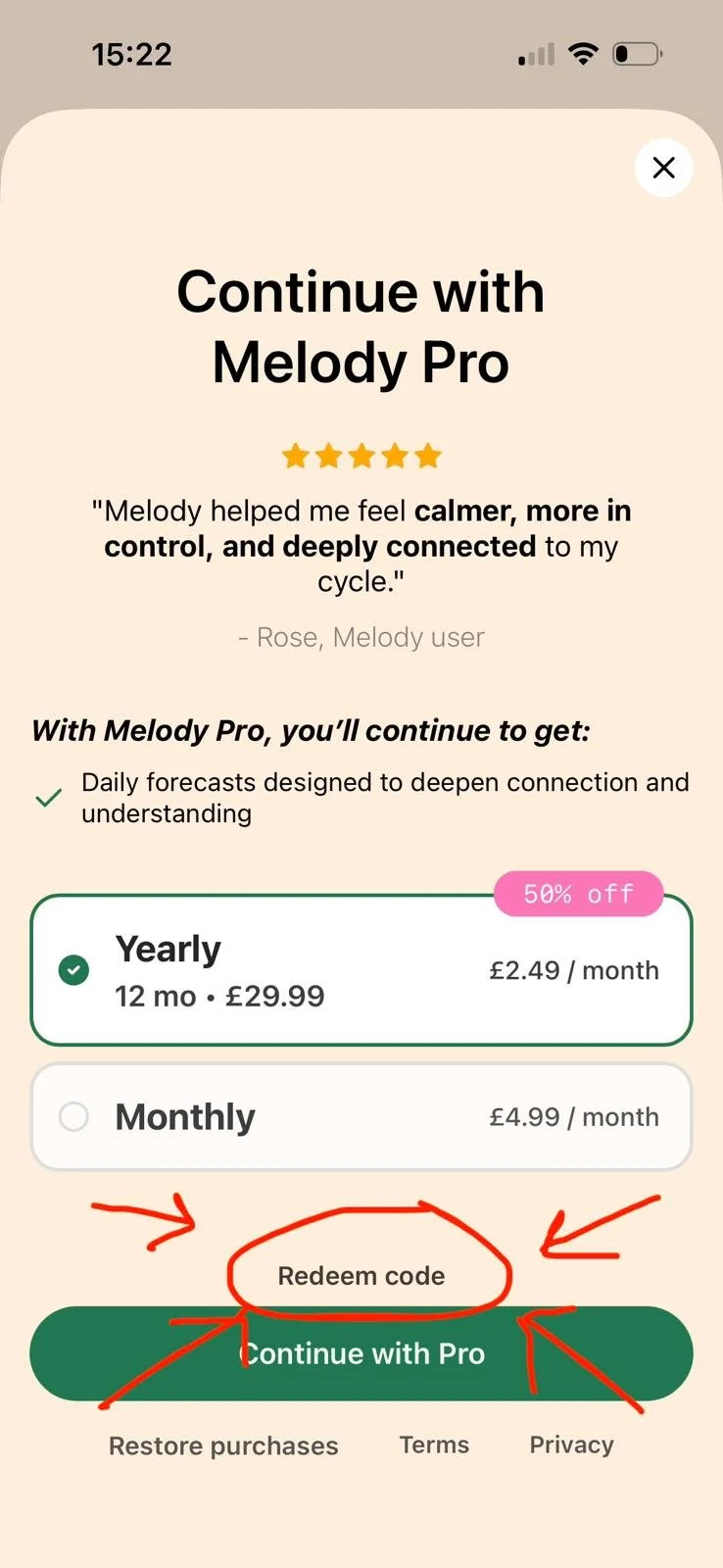
1. On the “Continue with Melody Pro” page, select “Yearly” subscription and then the “Redeem Code”.
2. Enter your code and “Continue”.
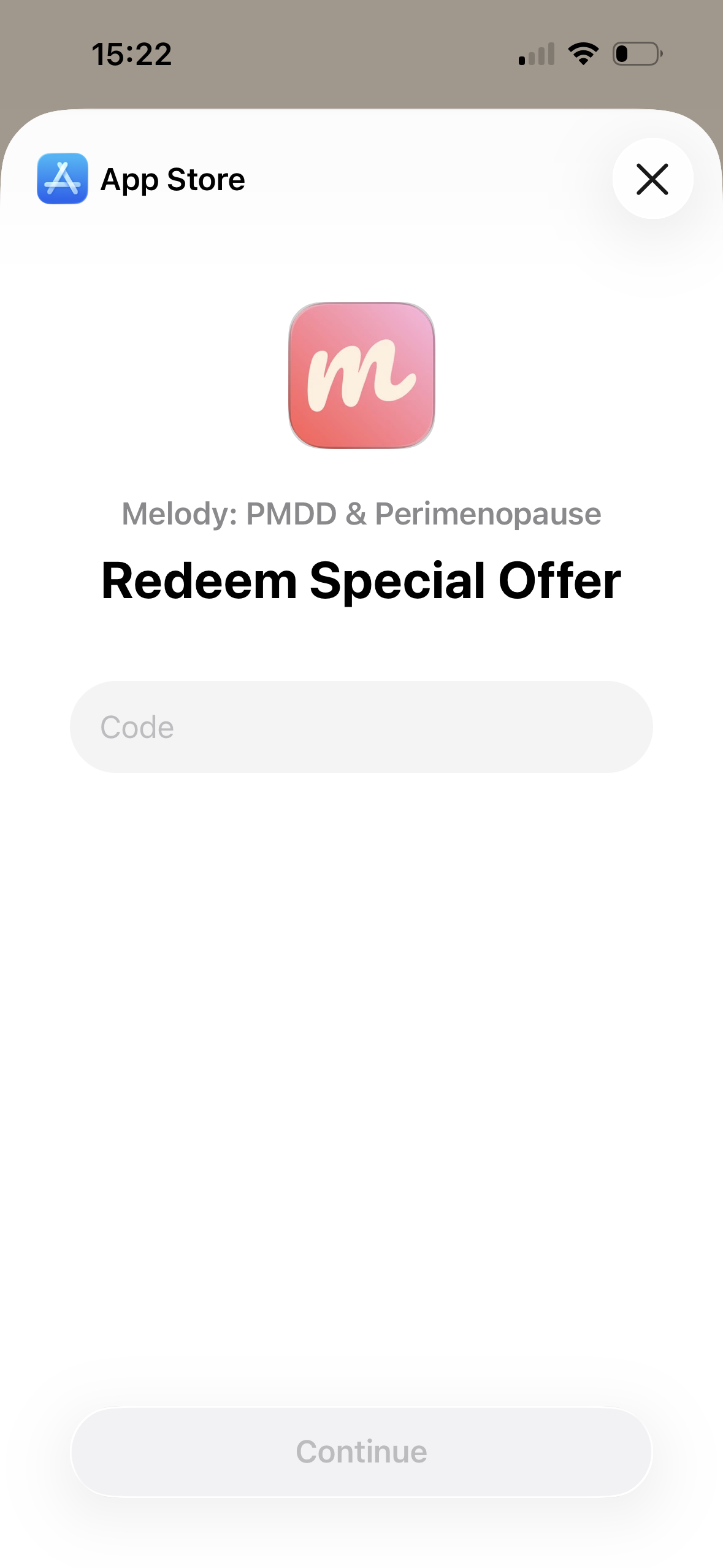
3. “Redeem Offer”
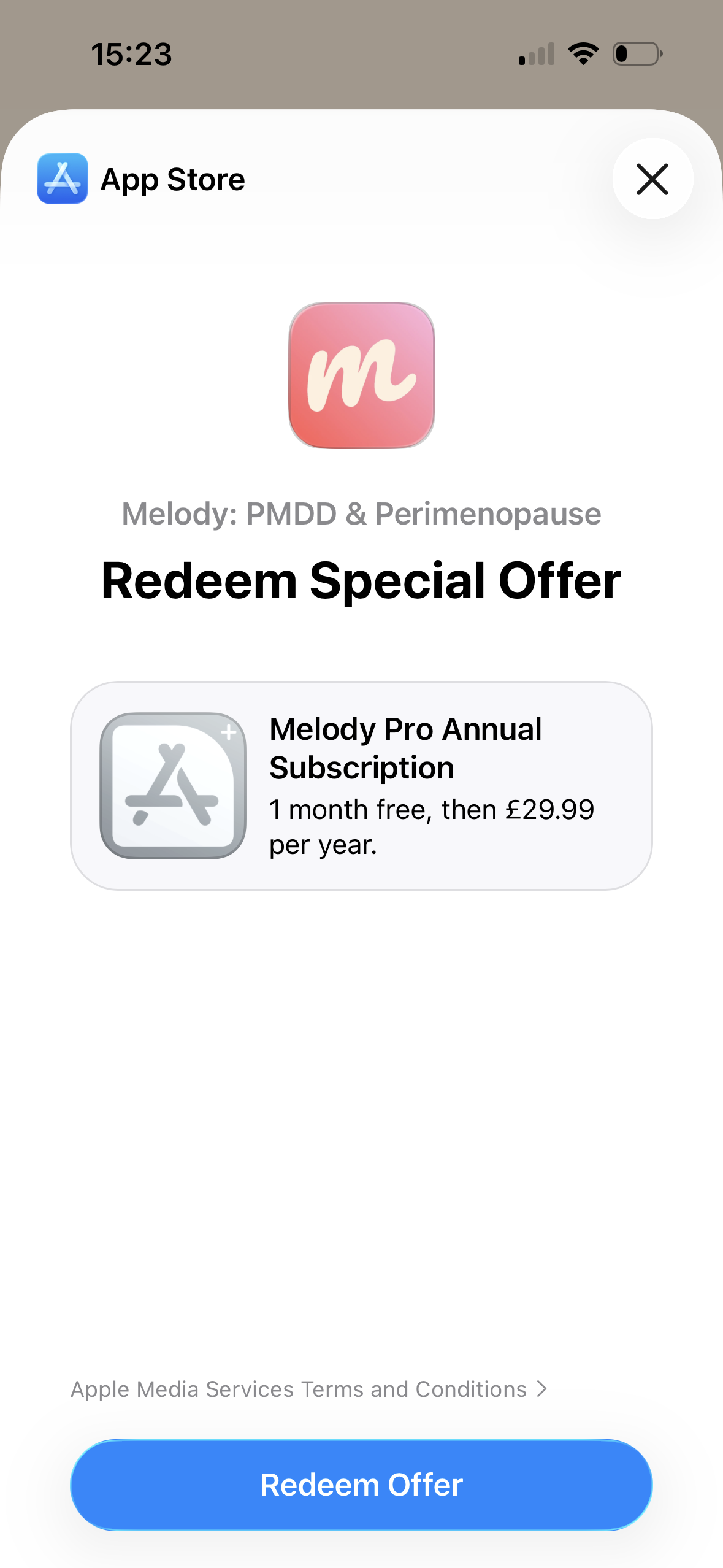
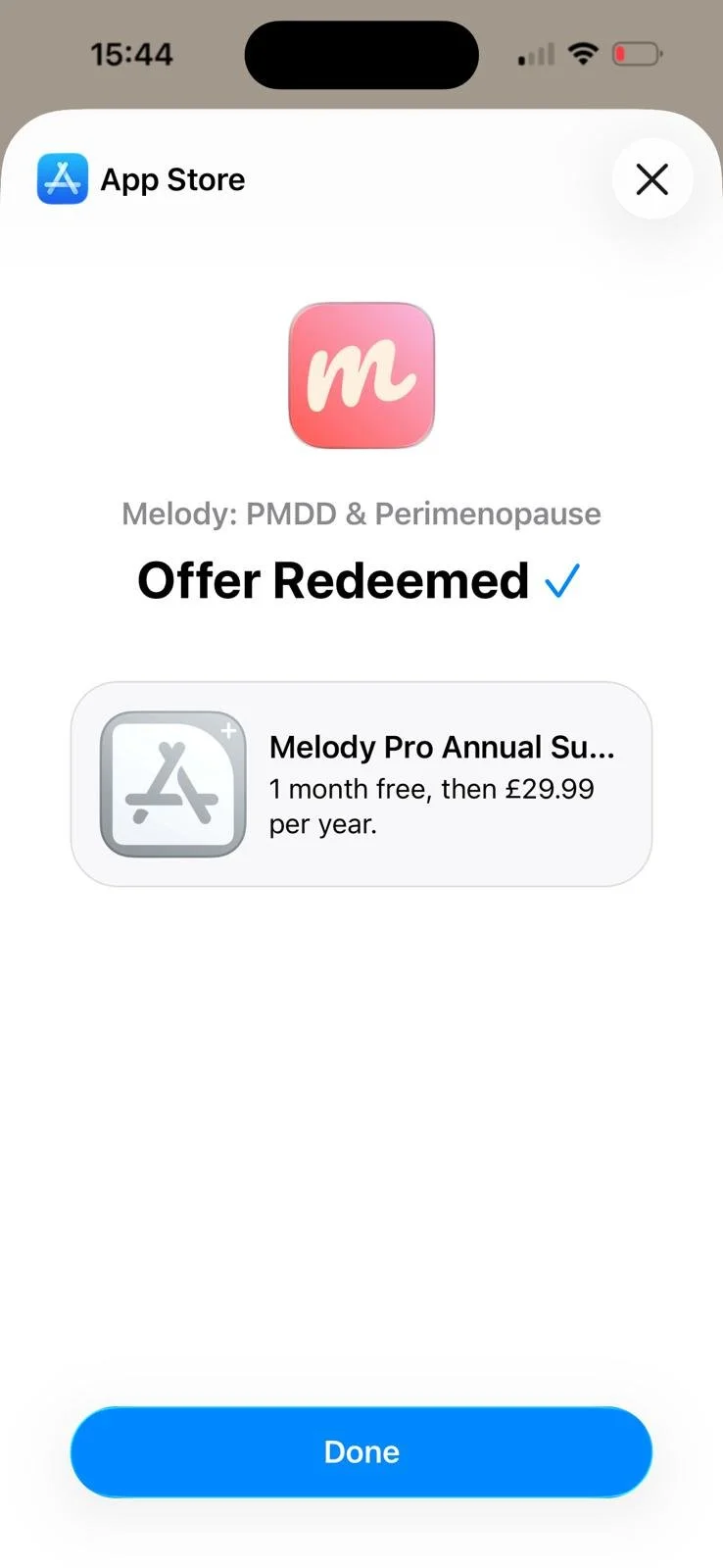
4. Restart the app and you’re all set!
Still need help? Get in touch
Terms
Offers are valid for new customers only.
When you subscribe for one year.
Can only be used once.
Trial will begin once you subscribe to the Annual Melody plan.
The subscription will automatically renew at the end of the trial.
You can cancel at any time during the trial. If you cancel before the end of the trial, you won’t be charged.